
98-366: Networking Fundamentals
BEST SELLER
39 Lectures
5h 6m 7s
Prepare for your Microsoft examination with our training course. The 98-366 course contains a complete batch of videos that will provide you with profound and thorough knowledge related to Microsoft certification exam. Pass the Microsoft 98-366 test with flying colors.
$14.99
$19.49
Curriculum For This Course
-
1. Welcome!1m 21s
-
2. What is MTA all about? Is it worth it?2m 28s
-
1. What to expect in this section32s
-
2. What is a computer network?6m 57s
-
3. Internet, Intranet, and Extranet10m 19s
-
4. Virtual Private Networks (VPNs)5m 17s
-
5. Local Area Networks13m 38s
-
6. Local Area Networks - part 29m 2s
-
7. Overview of Wide Area Networks8m 17s
-
8. Let's talk about Wireless and wireless security13m 1s
-
9. Network Topologies5m 25s
-
10. Let's summarize this section41s
-
1. What to expect in this section31s
-
2. Why do we need switches in our networks?12m 25s
-
3. What is a VLAN?8m 38s
-
4. Routers in our networks7m 22s
-
5. Access Points and wireless security4m 13s
-
6. UTM devices and network security7m 33s
-
7. Firewall rules - example7m 4s
-
8. Media Types5m 17s
-
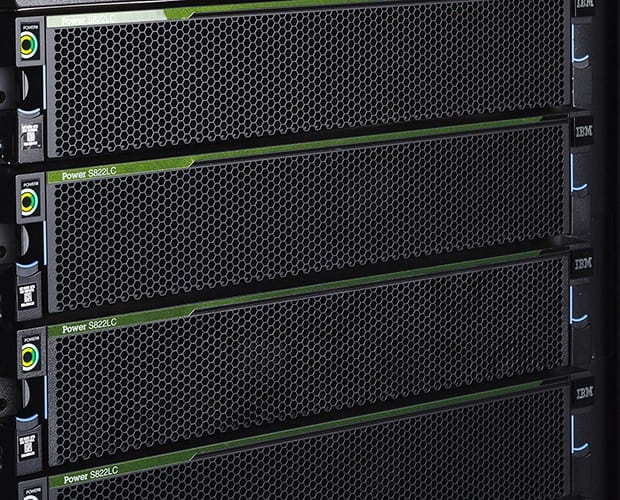
9. Let’s check a real rack!22s
-
1. What to expect in this section37s
-
2. The OSI Model part 111m 12s
-
3. The OSI Model part 214m 2s
-
4. Let’s talk about IPv4 addresses9m 14s
-
5. Subnetting in action! Let's learn some basics15m 51s
-
6. Subnetting - more examples and questions15m 51s
-
7. Let’s talk about IPv6 - the next generation IP address9m 8s
-
8. Names Resolution4m 45s
-
9. Networking Services, DHCP and IPSEC5m 39s
-
10. TCP/IP discussion and concepts9m 33s
-
11. Let's summarize this section3m 36s
-
1. Windows Server 20164m 9s
-
2. It's time to say good bye53s
-
3. A review of a business class access point16m 14s
-
4. Remote Support Tools14m 10s
-
5. Create a network with Windows Server 2008/201213m 10s
-
6. Wireless Security15m 28s
-
7. Learn more about Virtual Private Networks and encryption12m 12s

